Getting started
Welcome to my blog section. In my blog posts, I describe the steps I took to make things work and/or explain how it works. The navigation on this page is relatively easy and I will do my best to explain all features of the blog to you as a manual.
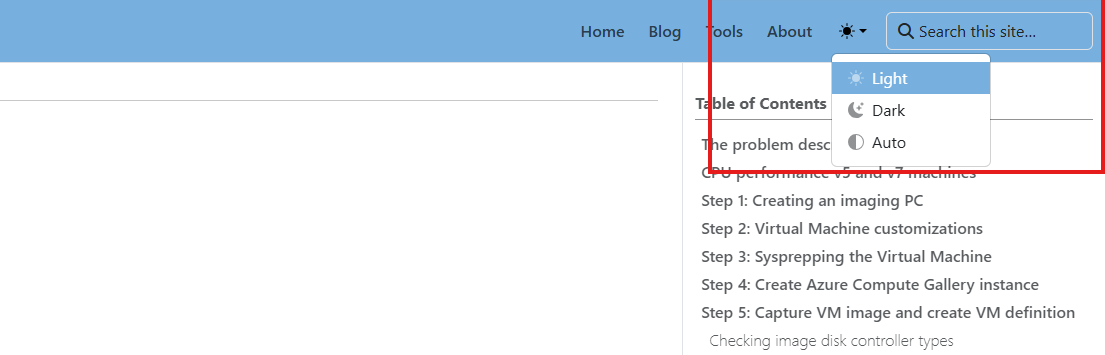
1. Light/Dark mode
The website has a native light mode and dark mode in the top right corner. This makes the webpage a better experience for low-light environments.
2. Categories
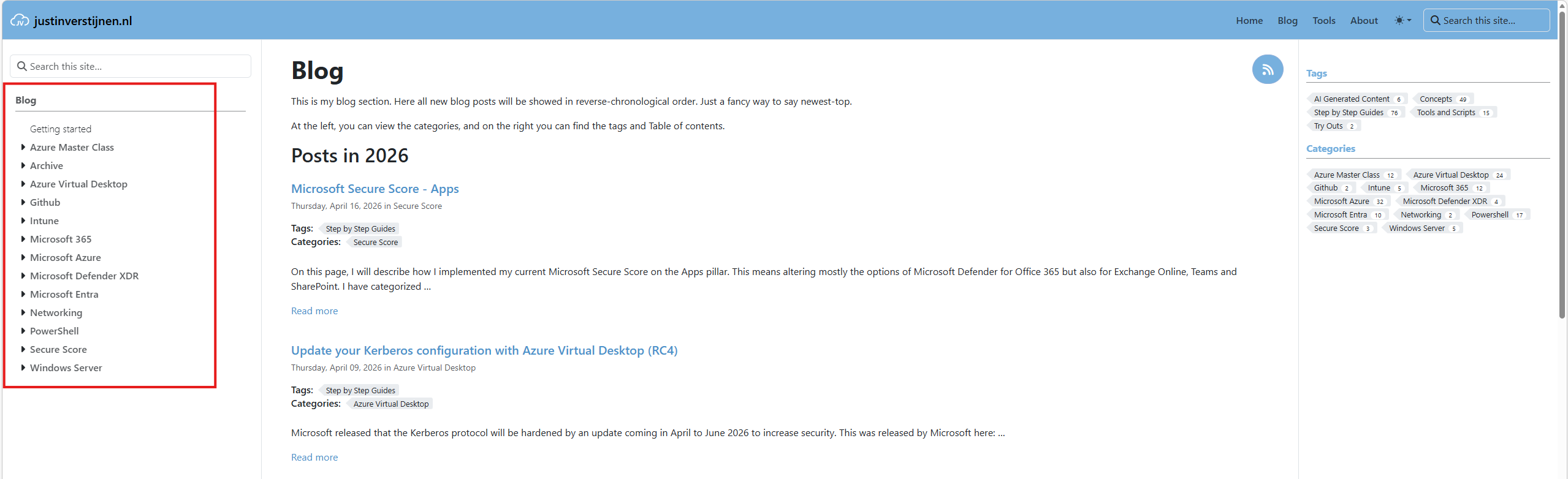
I have categorized every blog post into different categories, or area’s to be called. You can find them on the left:
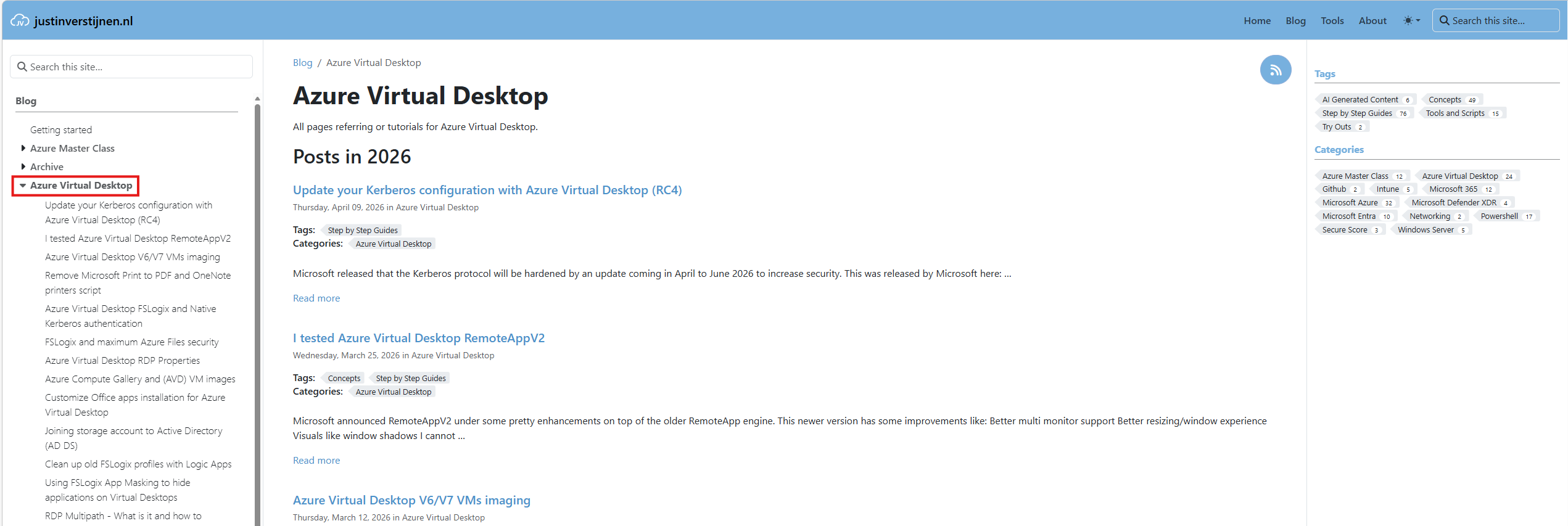
You can expand the categories to view all the blog posts or simply click on the top category to view all posts in that category in reverse-chronilogical order:
3. Tags
I also use tags on posts to classify what type of post it is. Posts can have multiple tags. At the moment of writing I use these tags:
- AI Generated Content: I like an open and honest approach on AI. Everyone uses it, and posts with this tag contain AI generated content. Review my Terms and Conditions on AI usage on my website, tools and social profiles
- Concepts: In these posts, I explain throrougly how an solution or protocol works
- Step by Step Guides: In these posts, I will execute tasks step-by-step
- Tools and Scripts: In these posts, I share a tool or script which I find useful. These contains tools and scripts both made by me and not made by me and always refer to the original owner/creator
- Try Outs: In these posts, I will try something out what may not be best practice but are great for learning and exploring
You can find a list of all tags Here or at every page in the blog section.
4. Table of Contents
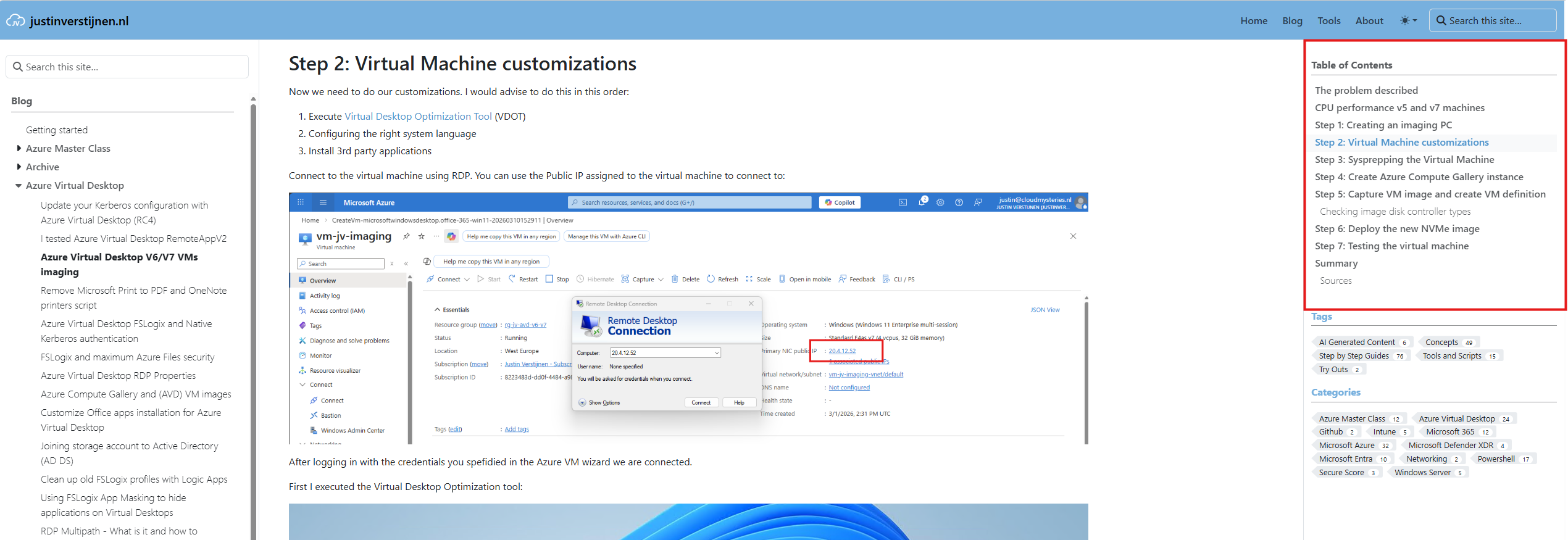
On the right on every post, there is a live Table of Contents section. Using this saves a lot of valuable screen-space. This will scroll with you, which makes navigating through different steps a lot easier.
5. Headings
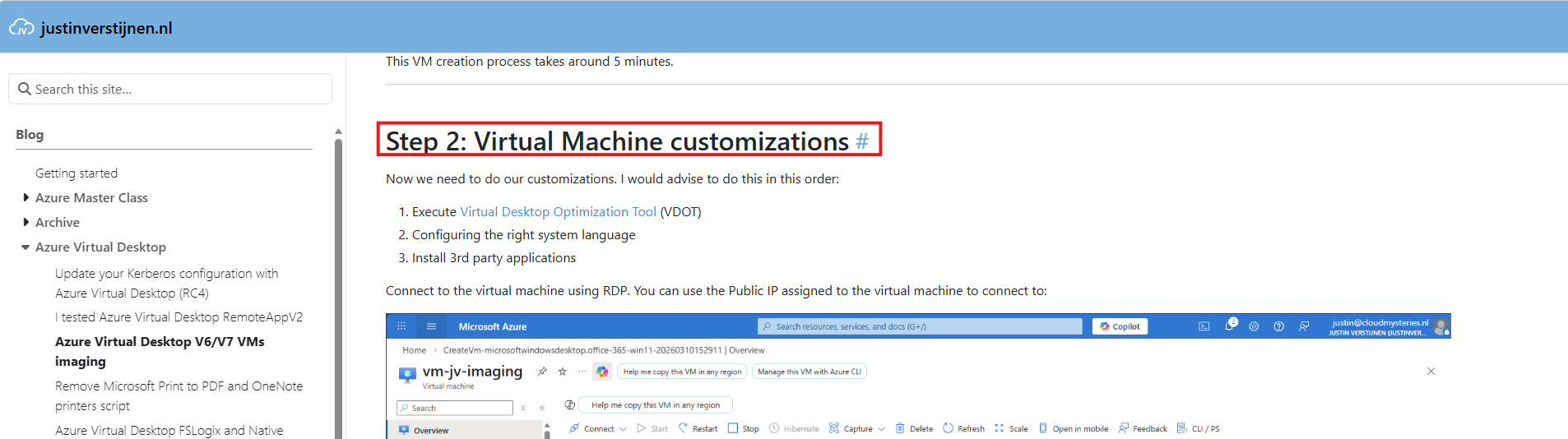
Every heading in the article has a blue Hashtag which is a hard link to a specific heading. Great for references or sharing a specfic part of the article. I use them as well in different posts to navigate you through an earlier or later section.
6. Search
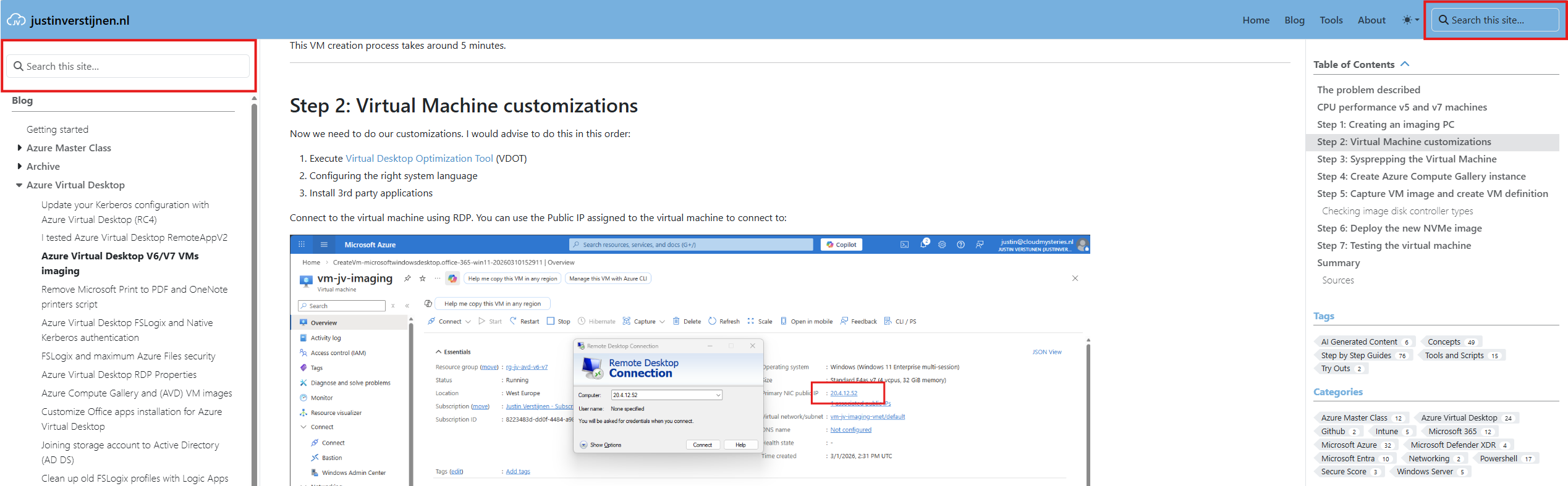
In the top right corner, you have a search bar on every page to search through all my content. Very useful if searching for a specific post.
On the blog section, you can find another search bar on the left.
I hope I explained some of the key features of this website and I hope it is useful to you.
End of the page 🎉
You have reached the end of the page. You can navigate through other blog posts as well, share this post on X, LinkedIn and Reddit or return to the blog posts collection page. Thank you for visiting this post.
Support the blog
